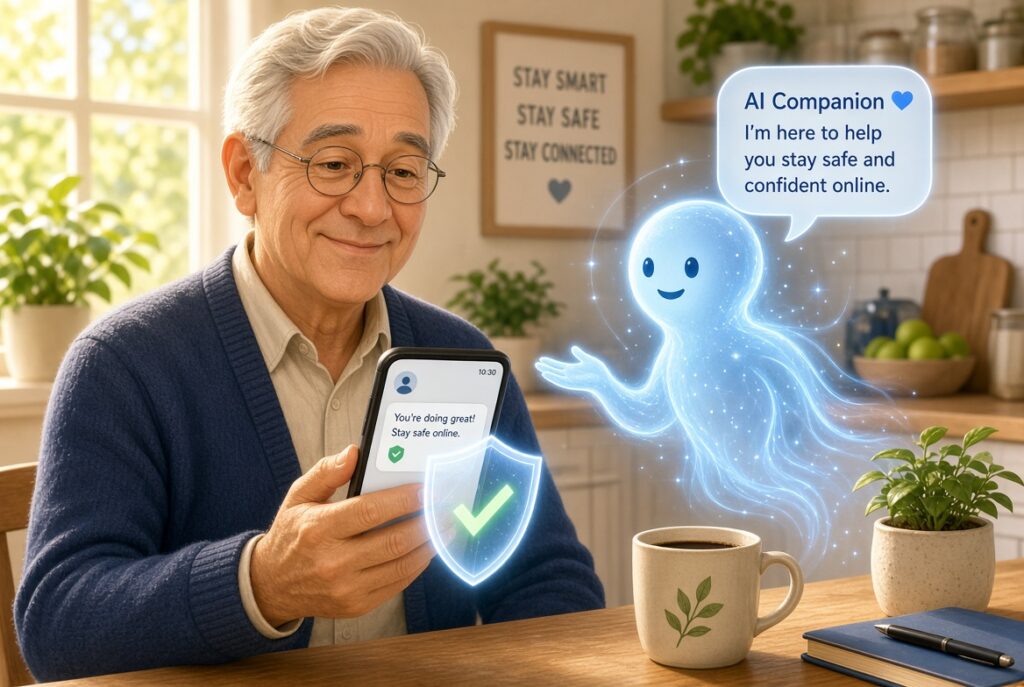
Hi, it’s Andrew. I’m 68, a former restaurant guy, and I’m learning AI right alongside you.
There’s a lot of scary talk about AI out there. I’m not here to add to it. I’m going to keep using AI. But I learned something this week that changed how I use it, and it’s simple enough that anyone can do it.
Here’s the short version: AI won’t automatically understand or protect your privacy. You have to ask. Safety is a two-way street.
What I tried, and what happened
I’d had a helpful chat with Grok, and I liked it so much that I used Grok’s share button, which makes a web link to the chat. Then I emailed that link to someone.
Later, it hit me what was in that chat I’d shared. It had a family member’s name and an event she’d be at on a certain night. It had personal details about me, like my clothing measurements. And anyone with that link could open it, even if my email got forwarded to someone I’d never met.
What got me was realizing the share link is still live after I’m done with it. If someone has it, they can see the chat. It’s not like some document sharing I’ve used, where the link times out after a while and you have to request a new one.
AI share links don’t work that way. Mine stayed live until I turned it off myself. OpenAI’s help page says the same about ChatGPT: its share links have no expiration date, so you delete them when you’re done.
So I fixed it. I opened that chat in Grok, clicked the little globe icon at the top right (that’s the share button), and turned the share link off. Then I tried the old link. It didn’t work anymore.
That’s the lesson I keep coming back to: a share link is like a house key. Whoever has it can walk in. You can hand it to one friend, but you can’t control who they hand it to. The good news is you can change the locks.
Skip to:
- What happened when I shared a chat
- Check these before you share
- Already shared one? Here’s what to do
- If you use AI at work
- Six questions to ask your AI
- Keys and passwords don’t go in the chat
Before you share an AI chat, check for these
Scroll through the whole chat before you hit share. If you see any of these, don’t share the link:
- Names of people, especially kids and grandkids
- Family schedules: where someone will be, and when
- Your home address, or anyone else’s
- Health details, like conditions, medications, or test results
- Money details, like balances, what you own, or what you owe
- Account numbers of any kind
- Body details, like measurements, weight, or photos of you
If you just want to show someone one good answer, a screenshot of that part is often safer than a link to the whole chat. A screenshot only shows what’s on the screen. A link can show everything.
Not sure how to take a screenshot? Just ask your AI. Try this prompt:
“I want to take a screenshot. Ask me what device I’m using, then give me simple step-by-step instructions.”
It’ll ask whether you’re on an iPhone, an Android phone, a tablet, or a computer, and walk you through it.
If you already shared one
Don’t panic. Here’s what I’d do:
- Turn the link off. In Grok, that’s the globe icon at the top right of the chat. Other AI apps have their own way to do it, so look in that app or its help pages. Once the link is off, it should stop working for anyone who tries it.
- Know the limit. Turning it off stops new visitors. But anyone who already opened it may have saved a copy or taken a screenshot. That part you can’t undo.
- Test it. Click your old link yourself. If it still opens the chat, it’s not off yet.
- Clean up all your shares at once. I didn’t know this until I asked, but Grok has one page that lists every chat you’ve shared. Grok told me to sign in at grok.com, go to grok.com/share-links, and click Remove next to each link. That’s what I did, and I removed every one of them. Menu names and pages can change, so if yours looks different, ask your AI where its list of shared links is.
Two more things Grok told me. First, deleting a chat doesn’t remove its share link. You have to remove the link separately. Second, if a search engine already picked up a copy of the page, that copy can hang around for a while even after the link is off.
Here’s what really surprised me. That page also showed how many times each shared chat had been viewed. I may have only sent each link to one or two people. Some showed 0 views, but others showed 4 to 16. More than I expected. I can’t tell who those views were. Some may have been the same person opening a link more than once. Finding that page was a great catch.
My tip: put a reminder on your calendar to check your share-links page once a month. It takes a minute.
This isn’t just a me problem. In August 2025, news outlets reported that hundreds of thousands of shared Grok chats had turned up in Google search, and ChatGPT had a similar problem with shared chats around the same time. That’s not a reason to stop using AI. It’s a reason to treat a share link like something public.
If you use AI at work: lots of people share AI results with coworkers by sending a chat link. Be careful here. Don’t put your company’s private information into a chat and then share it with a link, because that link may end up searchable. To me, that’s a bigger risk than an AI learning from your chats, since training doesn’t put your chat out in public. Instead, copy the part you need into your own secure work document, or make sure the chat has nothing private about your company in it. And check your company’s rules on using AI. Be safe and be aware.
Six questions to ask your AI
This is the part that turns worry into confidence. Instead of wondering, ask. Open your AI of choice, whether that’s Grok, ChatGPT, Copilot, or Gemini, and try these:
- “What are my current security and privacy settings?”
- “Can you recommend changes and help me be more secure?”
- “Is there anything else I need to know?”
- “Is this just for you, or does it apply to all AI apps?”
- “Can you tell me what red flags I should watch for?”
- “How do I set a rule so all my chats and shares are private by default, or at least get a reminder before I share?”
I asked Grok questions 1 and 4, plus a couple of follow-ups. Here’s what Grok told me. This is its answer, not something I’ve checked line by line:
- It can’t see my settings. Grok said it can’t look at the live settings on my account. Only I can check them, in the app.
- Each app has its own settings, and they don’t sync. X, the Grok app, and grok.com each have their own switches, according to Grok. None of them cover ChatGPT, Gemini, or any other AI app. Grok pointed me to these spots: on X, Settings and privacy, then Privacy and safety, then Data sharing and personalization, then Grok & Third-party Collaborators. In the Grok app, Settings, then Data Controls, then Improve the model. Menu names can change, so check yours.
- “Data sharing” doesn’t mean the world can read my chats. This was the big one for me. I asked, “Can you explain data sharing? Does that mean everyone can see what I’m asking?” Grok said no. It said the Data Sharing setting is about whether your chats help train the AI (teach it to get better), not about making them public. Your chats stay private unless you share them yourself.
- Turning off training only counts from now on. Grok said opting out works going forward, and that if you give a chat a thumbs up or thumbs down, that chat can still be used for training.
Now, here’s the honest part. These questions are a great starting point, but an AI’s answers about its own settings can be wrong or out of date. These apps change all the time. So when it tells you where a setting is, go look for it yourself in the app’s actual settings. The share switch and the privacy settings live in the app, not in the chat. Talking about a setting doesn’t change it.
The same goes for asking it to remember a rule. Some AI apps have a memory or “custom instructions” feature, which lets you give it standing rules, like “remind me before I share anything.” That can help. But it isn’t a guarantee. Think of it like a note on the fridge, not a lock on the door. You’re still the one who checks before you share.
Keys and passwords don’t go in the chat
Here’s one more thing I learned while working with Grok Bot, my AI assistant. I was connecting it to another service, and I pasted something called an API key right into the chat. It stopped me. It said not to do that, and it gave me a secure box to type the key into instead.
What’s an API key? An API is how two apps talk to each other, like your AI talking to your email or your bank. An API key is the password that lets them do it. So treat it just like a password. Anyone who has it can get in.
Now it all makes sense, especially when you connect an AI to things like banking or email. My rule: never paste a key, a password, or a code into the regular chat. If your AI offers a secure box for it, use that. If it doesn’t, ask it, “Is there a safe way to give you this without typing it in the chat?”
Where I wouldn’t use AI
I wouldn’t paste bank account numbers, Social Security numbers, or passwords into any AI chat. Not to “keep them handy,” not to have it check them, not ever. If something needs those numbers, it goes to the bank or the agency directly.
What this is, and what it isn’t
This isn’t a reason to be afraid of AI. It’s the same common sense we already use. You don’t leave your front door key under the mat with a sign on it. You don’t read your card number out loud in a crowded restaurant.
AI is a useful tool. It’s not a vault, and it’s not a mind reader. If you tell it to be careful and you check its work, you can use it with confidence.
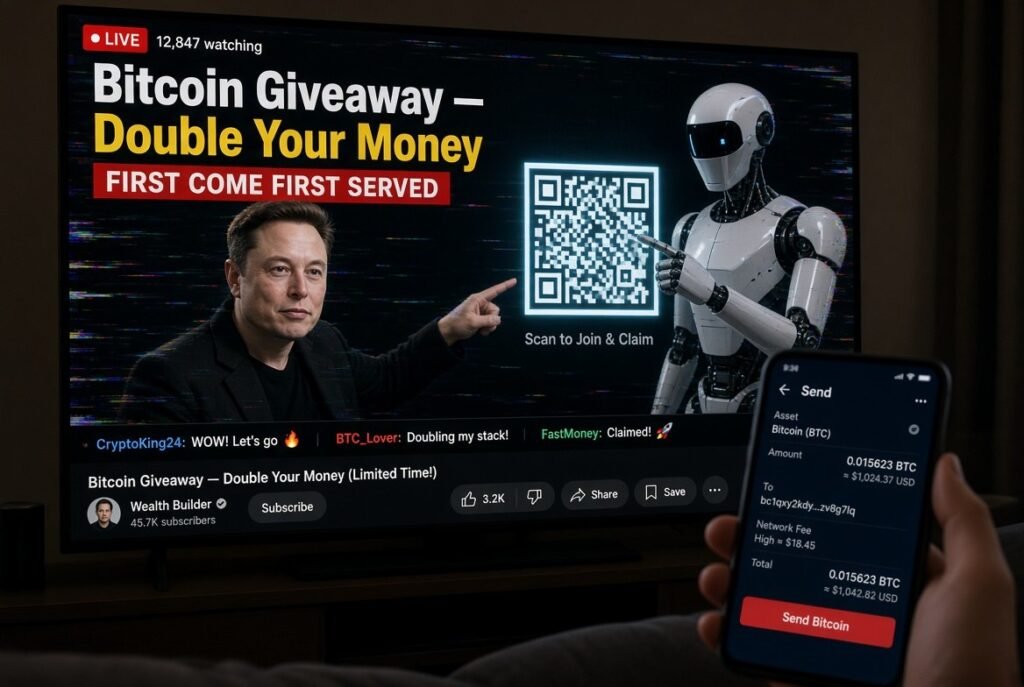
If you want more on staying safe, I’ve written about two scams I ran into: the fake Elon Musk crypto giveaway I fell for, and why an AI trading bot won’t make you rich overnight.
The lesson
A share link is a house key. Check what’s in the chat before you share it, turn it off when you’re done, look at your list of shared links once a month, and ask your AI to help you be safer. Then go check the settings yourself.
Coming up: a plain-English FAQ, “AI: What’s True and What’s Hype.” I’ll take on the scary headlines, the data centers, and the questions I hear from friends my age, and sort out what’s real from what’s noise.
Sources
- TechCrunch, “Thousands of Grok chats are now searchable on Google” (Aug 20, 2025): https://techcrunch.com/2025/08/20/thousands-of-grok-chats-are-now-searchable-on-google/
- Cybernews, how to keep ChatGPT and Grok chats private: https://cybernews.com/ai-news/hide-ai-chats-google-guide/
- OpenAI Help Center, how ChatGPT shared links work and how to delete them: https://help.openai.com/en/articles/7925741-chatgpt-shared-links-faq
- xAI (the company that makes Grok), privacy policy: https://x.ai/legal/privacy-policy
I write these with help from Grok and Grok Bot, my AI assistants. The experiences and opinions are mine, and I check the facts before publishing.
Want more plain-English AI help? Get my free 9-page starter guide.
You can download it right after you confirm your email.